Jun 26, 2026News & Insights
Samsung Note 8 OEM OLED Screen Replacement Guide
Replace your Note 8 screen with OEM OLED+frame. 6.0″, 4 colors, 1 year warranty. Learn installation tips and wholesale pricing. Same‑day shipping. Read.
Samsung Note 8 OEM OLED Screen Replacement Guide
By Ace LCD Screen | 3 min read
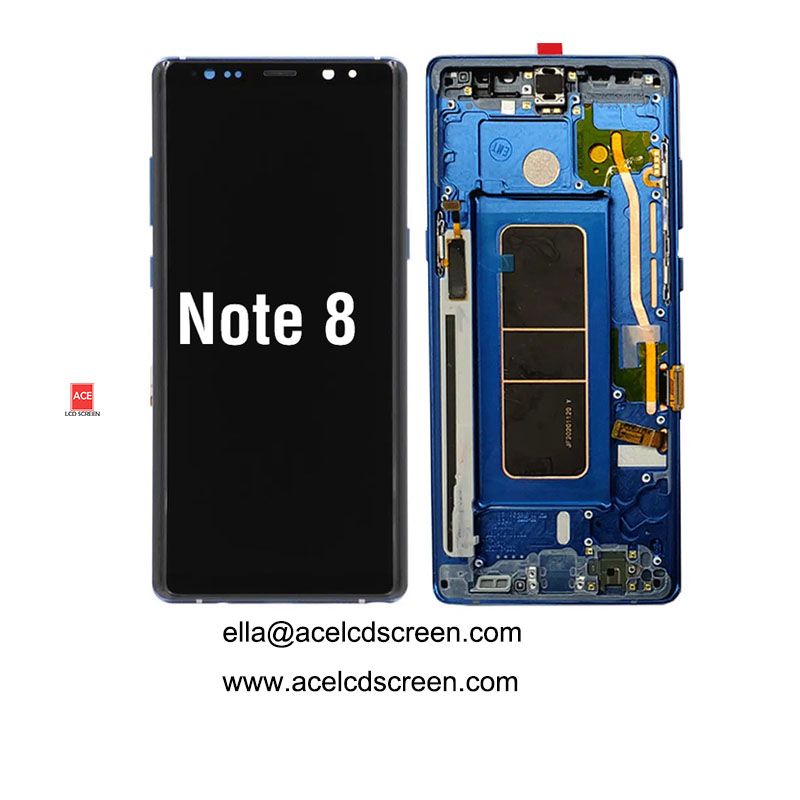
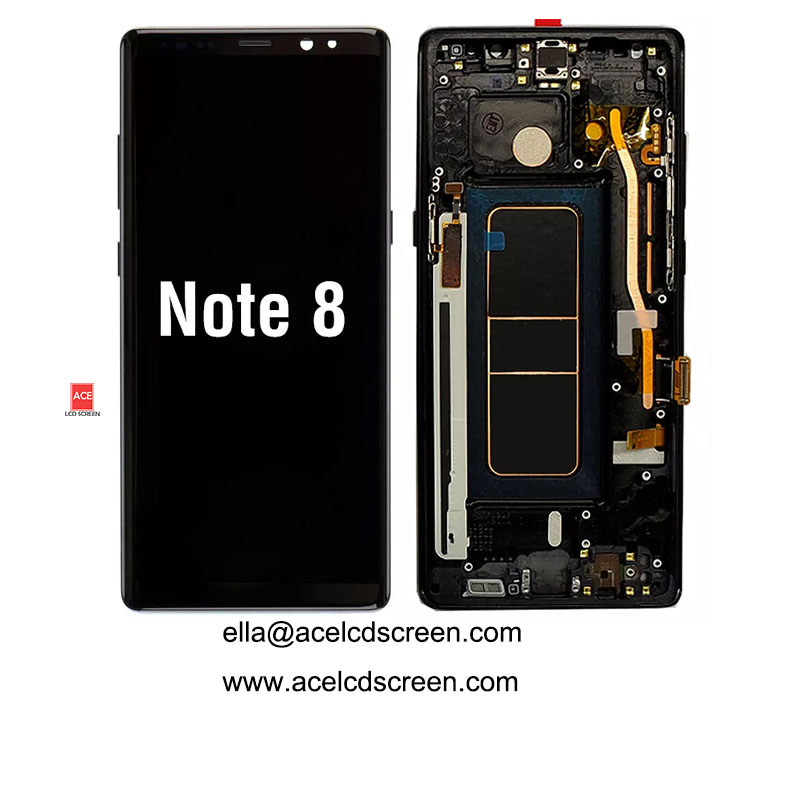
Why Choose OEM OLED with Frame for Note 8?
Samsung Note 8 uses a 6.0″ curved Quad HD+ OLED. Many aftermarket screens are:
- Low‑grade OLED or LCD – poor blacks
- Without frame – hard to install, risk of cracking
We supply genuine OEM OLED with frame – original quality, easy install.
With Frame vs Without – Big Difference
Feature | OEM OLED + Frame (Us) | Aftermarket (without frame) |
|---|---|---|
Display quality | Original Samsung | Inferior |
Installation | 15 min (frame included) | 45+ min, glue needed |
Risk of damage | Low | High (bending OLED) |
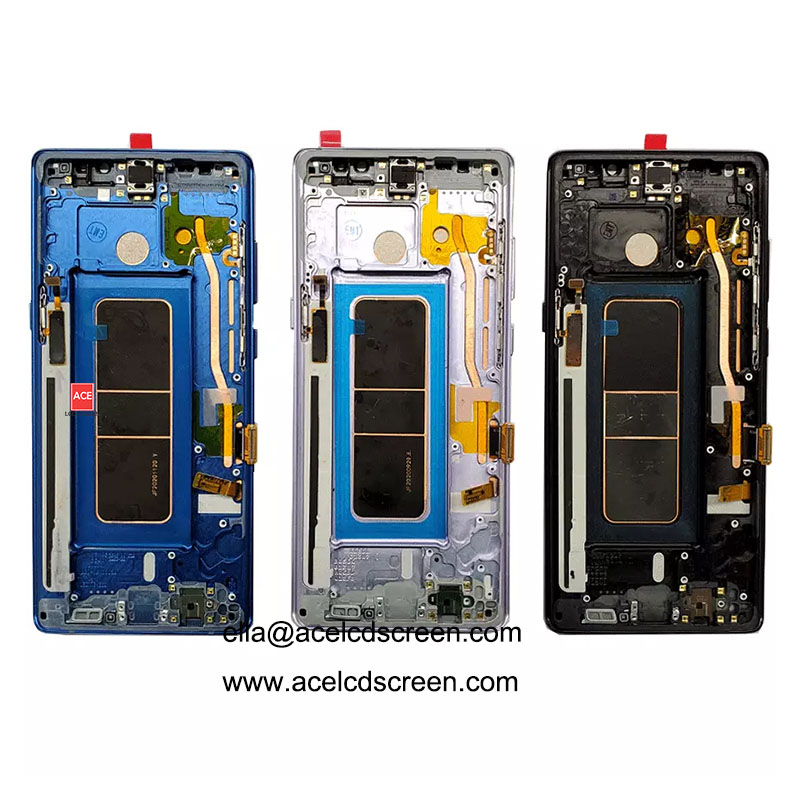
Colors | 4 (Black/Blue/Gray/Gold) | Usually only black |
Warranty | 1 year | 30‑90 days |
For curved Note 8 OLED, with frame is highly recommended.
Installation Steps (With Frame)
- Heat back cover, remove
- Disconnect battery
- Remove old screen, detach flex
- Clean mid‑frame adhesive
- Place new OLED with frame
- Reconnect, test before closing
📺 Video guide – ask us.
Why Ace LCD Screen?
- OEM OLED – original quality
- With frame – safest, fastest install
- 4 colors – match any Note 8
- 1 year warranty – peace of mind
- Same‑day shipping – order before 2pm China time
- MOQ 1 piece – test first
Bulk Pricing
Qty | Discount |
|---|---|
1-5 | Retail |
6-20 | 5% off |
21-50 | 10% off |
50+ | Contact |
Get a Quote
Include: color, quantity, country.
Fast reply. Same‑day shipping.