Jun 26, 2026News & Insights
Complete Guide: How to Replace the Samsung Galaxy A15 5G LCD Screen Safely
Facing a broken screen on your new Samsung A15? Don't panic. In this guide, we walk you through the step-by-step process of replacing a Galaxy A15 5G LCD.
Introduction
The Samsung Galaxy A15 5G is a powerhouse, but its large display is susceptible to damage from drops. Replacing the screen yourself can save you significant repair costs.
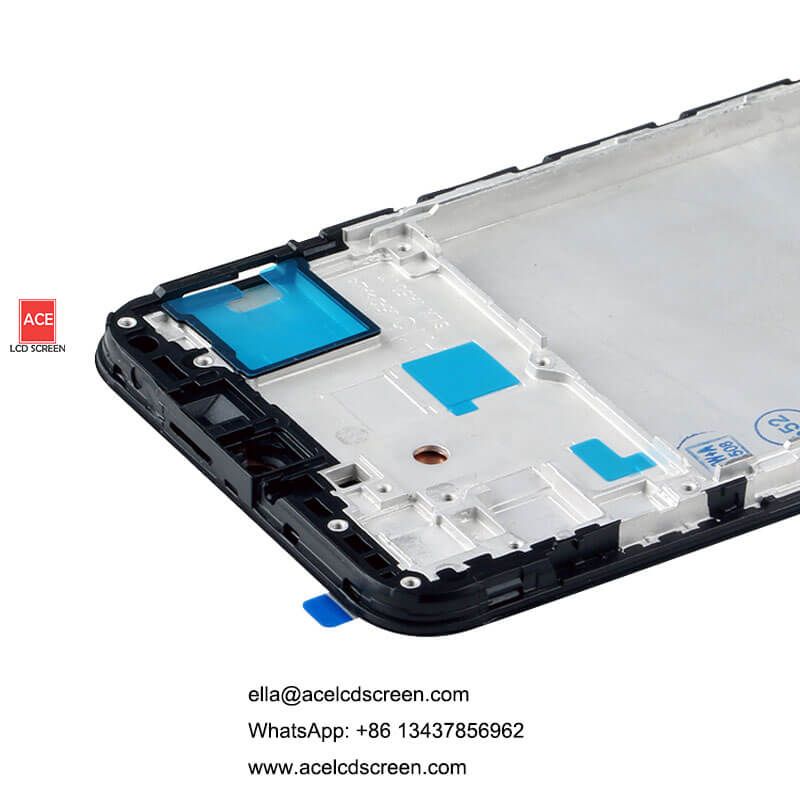
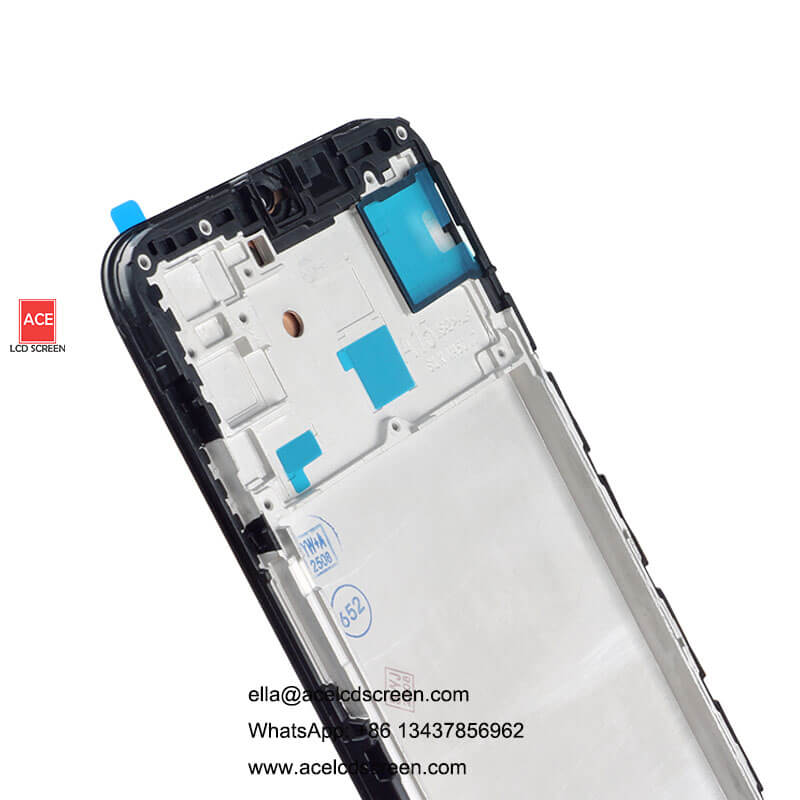
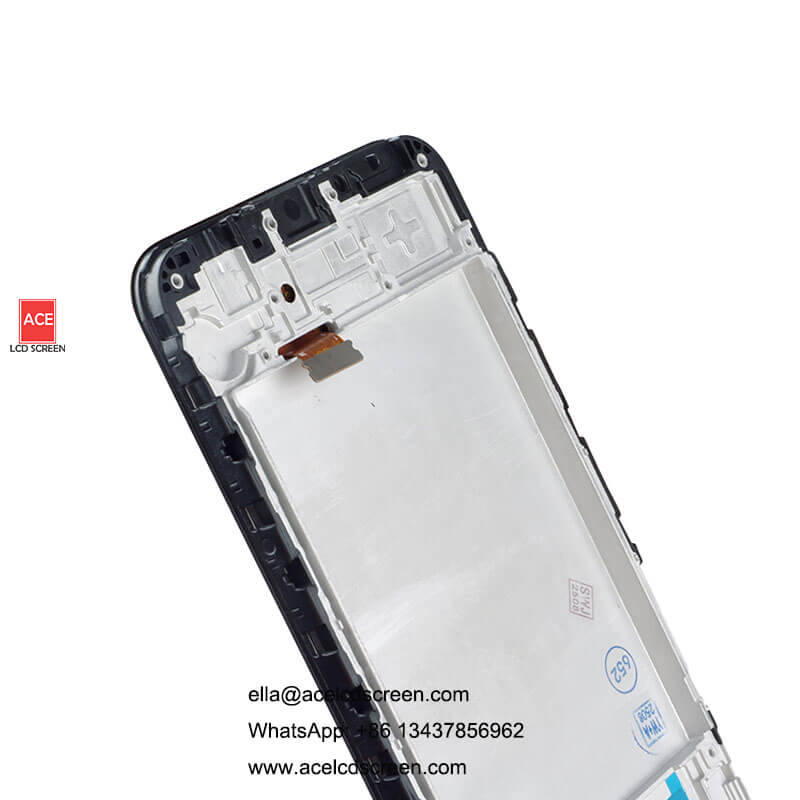
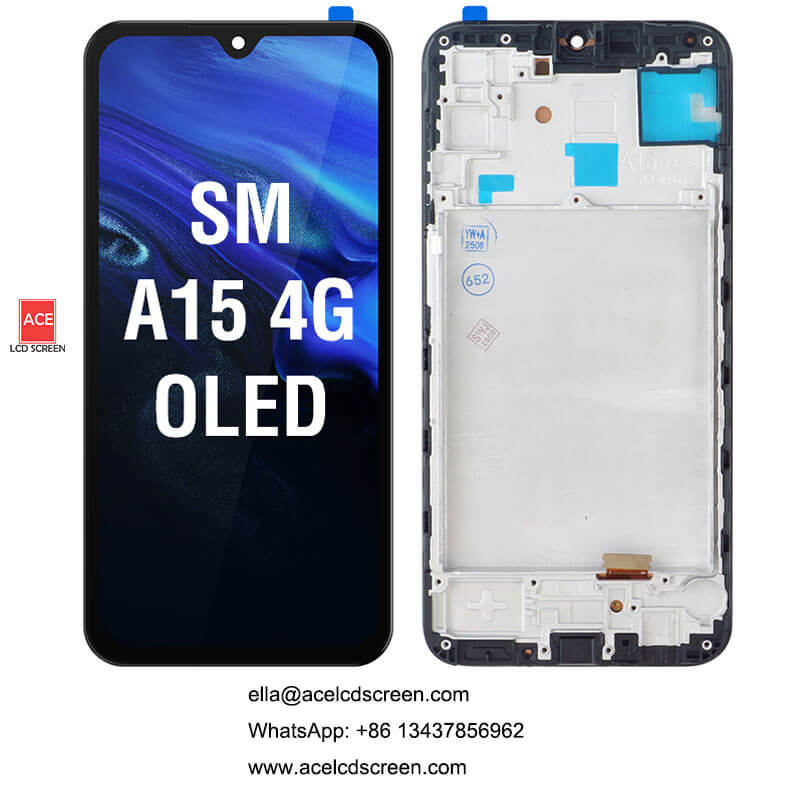
Why Choose OLED with Frame?
- Ease of Install: No need to scrape off old adhesive from the thin bezels.
- Structural Integrity: A new frame ensures the phone feels as solid as the day you bought it.
Step-by-Step Replacement Overview
- Power Off: Always start by turning off the device.
- Heat & Open: Use a heat gun to soften the adhesive on the back cover.
- Transfer Components: Carefully move the motherboard, battery, and small flex cables to the new frame.
- Test Before Sealing: Connect the new LCD and power on to check touch sensitivity and brightness.
Conclusion
Quality parts make all the difference. For a reliable Samsung A15 replacement tool and high-quality screens, trust ACE to provide tested, durable components.